Testing turbine adjusters – a guide to DTE tester updates
Testing turbine adjusters – a guide to DTE tester updates
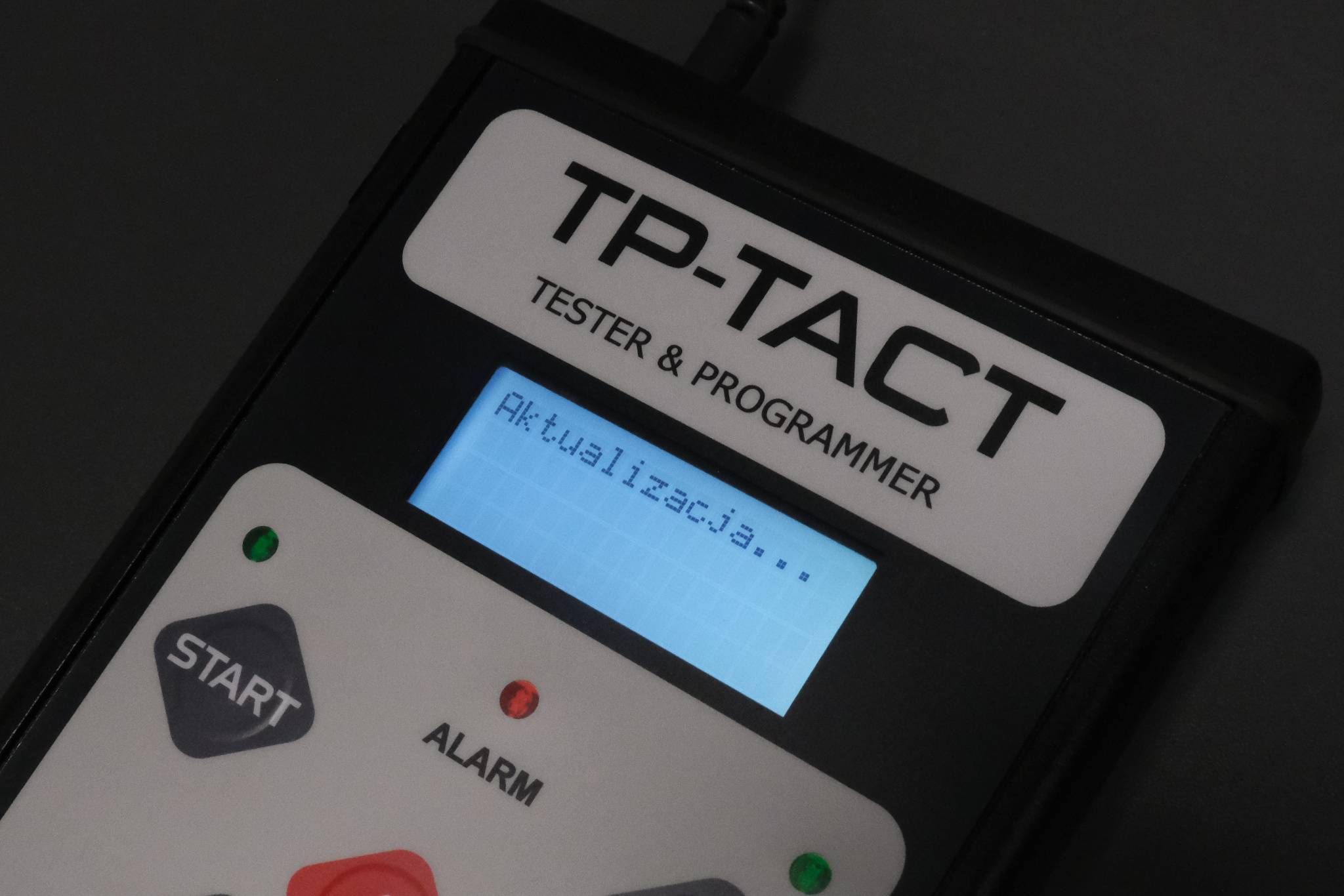
Until recently, the popular TP-TACT, VNTT-PRO and TurboProg turbocharger controller support devices mainly supported older components. Through a series of updates, they gain the ability to test the latest drivers used in current models. Below we will show you how to take advantage of the new features and upgrade your existing devices.

Updating testers step by step
In order to perform the upgrade, you will need:
- VNTT-PRO, TurboProg or TP-TACT tester owned;
- USB A-B cable (usually used for printers);
- PC with Internet access and Windows;
- Update password – attached to the device manual (if not available, please contact us).
Software download
The current software, which also includes USB device drivers, can be downloaded here:
https://dte.com.pl/download/software/updater/
Driver installation
For Windows 10/11, follow these steps:
- Click the Start Menu, then click Power.
- While holding down the SHIFT key on the keyboard, click Restart.
- When the selection screen appears, select Troubleshoot, Advanced Options, and then Startup Settings.
- A screen will appear with information about the available options. Click Restart.
- The system will start in boot options mode. On the screen that appears, select item 7(Disable forcing driver signatures) by pressing 7 or F7 on the keyboard.
Start Device Manager by pressing Win+X at the same time, and then click Device Manager. After opening it, we install the driver by implementing the following points:

- In the drop-down list, find Other Devices / VNTT-PRO (or any other tester you own)
- Use the right mouse button to click on VNTT-PRO and selectUpdate driver software.
- Another window will appear in which you should select Browse my computer for driver software.
- The system will display a warning about an untrusted software publisher, select Install driver software nonetheless. After a while, the installation will be complete.
Using Software Updater
The program is simple and intuitive to use – after launching, you select a language, and then you can connect the device to your computer. Start the device in update mode – first press and hold the START (VNTT-PRO and TP-TACT) or OK (TurboProg) button and then turn on the device.
After selecting Connect , you need to enter the password you have for the update (if you do not have a password, please contact us), and then a list of available software versions will be displayed. We select the one we are interested in (the latest one is selected by default) and click Program to update the tester.

In the window that appears, the program will show information about the changes made, as well as display a link to download the current version of the manual.
How to connect new controllers
In most cases, checking or programming a new turbine controller will require the use of a new cable. In some, we will be able to conduct the test using the cable from the original kit. A detailed list of turbocharger controllers with their corresponding cable designations can be found in the manual.
To cope with the large number of added cables, we have introduced a new marking system, consisting of two letters and two numbers, to avoid complicating color coding and to make it easier for people who have trouble recognizing colors. Those who are used to it need not worry – the previous designations will remain included in the new versions of the Manual.

A complete set of cables for the current upgrade can be purchased from our store:
Cables can also be purchased individually as needed:
https://dte.com.pl/oferta/?product-category=akcesoria
Why you should
Variable geometry turbines (variable nozzle turbines) have been a standard for years, now used in almost every car. In order to work with the turbine, it is necessary to have the right tools. A new adjuster, equipped with electronics, often requires adaptation or programming before it can be found in a vehicle.
These topics are well known to specialists who specialize in turbine remanufacturing. Our devices are dedicated not only to them. Thanks to them, a modern workshop will be able to better diagnose and repair vehicles equipped with a turbocharger.
And if you have a tester that is defective – use the after-warranty repair service or order a new TP-TACT, with greater capabilities.